
Help
Help and contact
Answers to the most common questions. Pick a topic, or write to us if you can't find it here.
Signing in
Enter your email address. You'll get a six-digit code that is valid for ten minutes. You don't need a password. If you have Telegram, you can sign in with it too; your Telegram chats then come along.
No code? Check your spam folder and that the address is right. You can also request a new code; only the newest one works.
New to Gather? After your first sign-in you're in at once and can write to everyone.
If you approve accounts: When someone signs up for your church, you get a notification and see them under New here. If you don't know them and nobody in the church vouches for them, tap Remove; their account is then suspended.
First steps
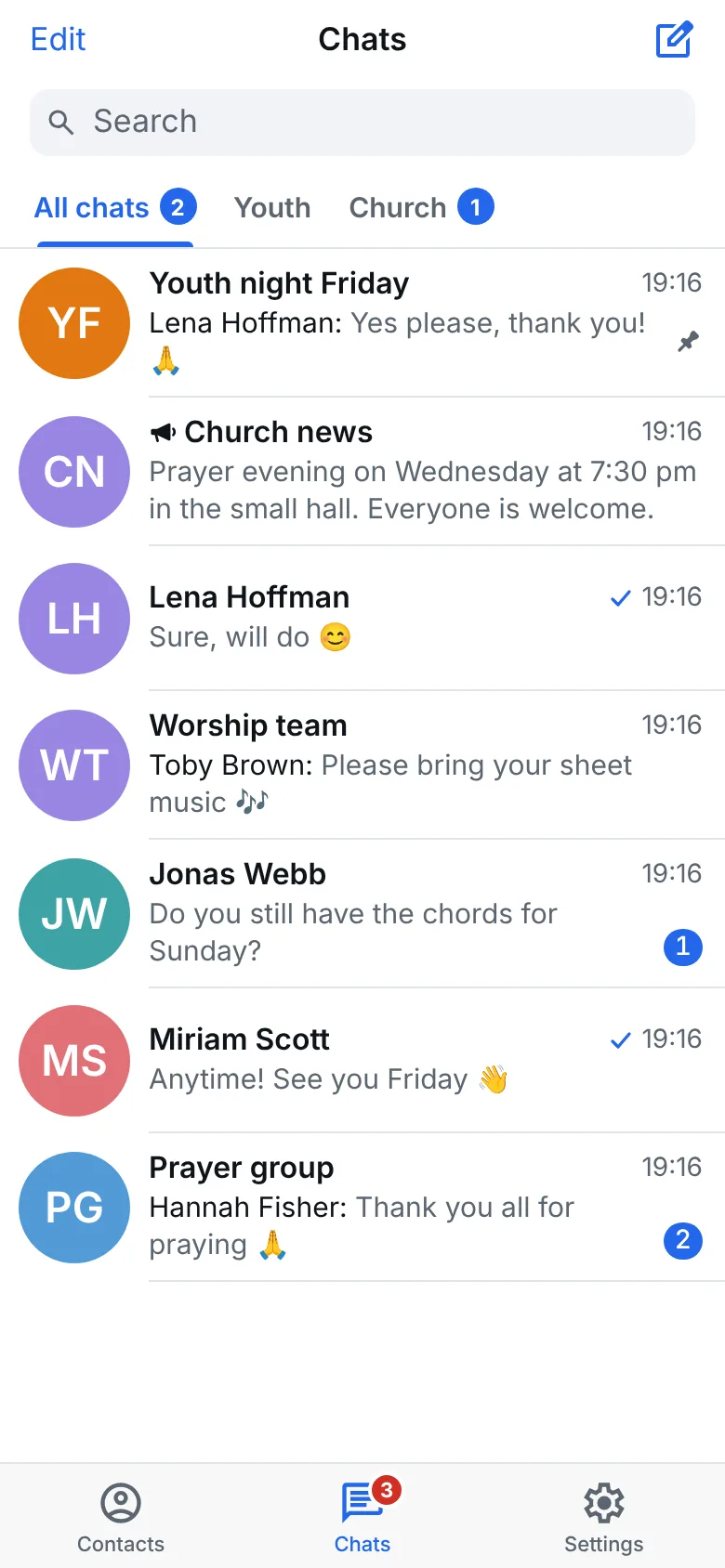
- Folders: Settings → Chat folders sorts your chats into tabs, such as "Church" or "Youth".
- Mute: In a chat's info, mute a busy group. You still see it, it just doesn't ring.
- Archive: Swipe a chat to the left to archive it. It comes back by itself when someone writes, unless it is muted.
- Search: The search above the chat list finds chats, people and messages.
- Reply: Swipe a message to the right to reply to it. Press and hold it to edit, pin, forward or react.
- Saved Messages: Your own chat for notes, links and things to keep. Forward anything there.
- Send later: Press and hold the send button to schedule a message.
- Telegram: Settings → Telegram brings in the church's Telegram groups and channels.
- App lock: Settings → Privacy and safety → Passcode lock locks Gather with a code or Face ID.
Translating
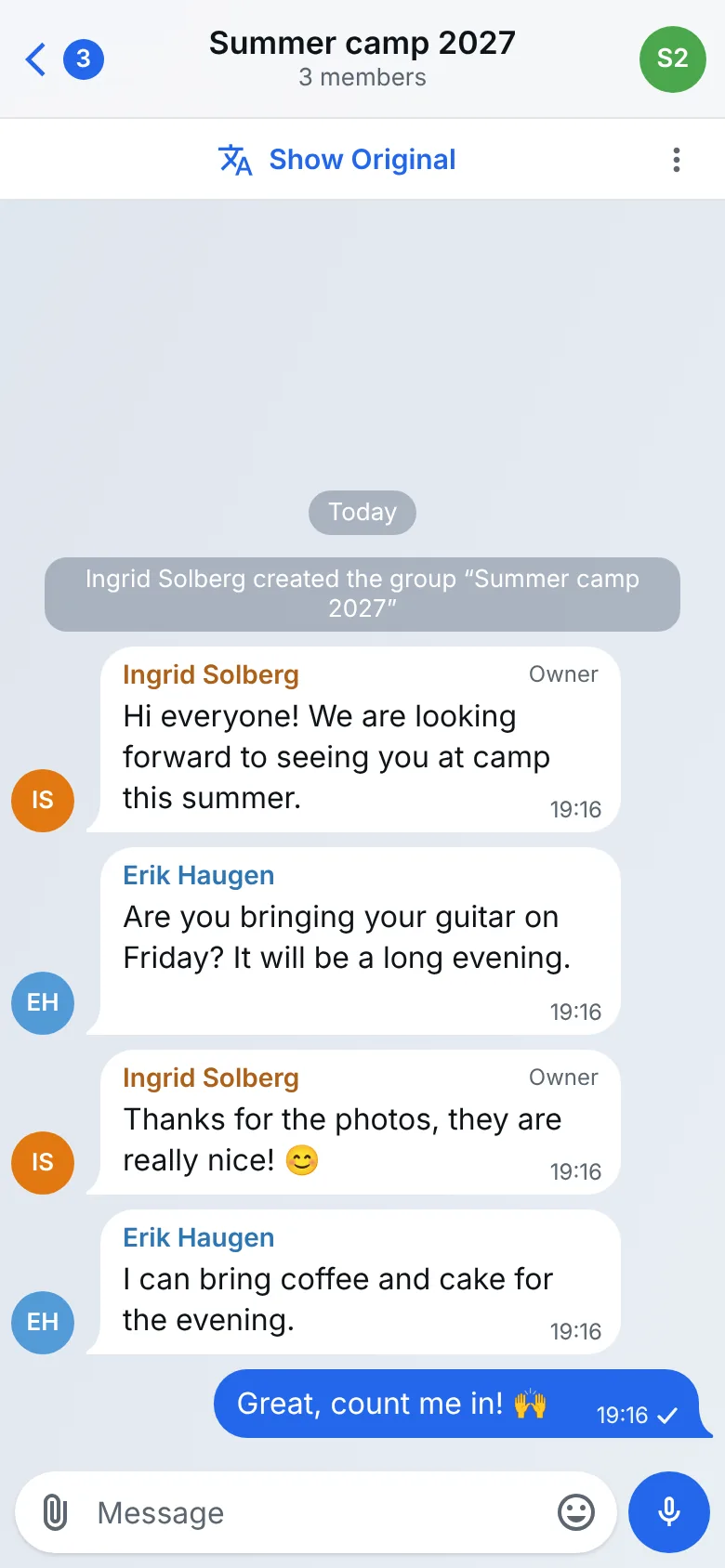
When a chat is in another language, Gather shows the bar Show in English at the top. One tap and the whole chat appears in English. Show Original brings the messages back as they were written.
The three dots in the bar pick another language or hide the bar for this chat. To translate a single message, press and hold it and choose Translate.
Notifications
After you sign in, Gather asks whether it may send you notifications. If you said no, turn them on again in Settings. Preview decides whether a notification shows who wrote what, or only "New message". You can mute single chats.
Profile photo
In Settings, tap your picture to choose a photo from your library or take one. Everyone in the church who sees your name also sees your photo. Groups and channels get their photo in the chat's info, from their admins. You can report an unsuitable photo.
Devices
Settings → Devices shows where you are signed in. If your phone is lost, sign it out there from another device.
Giving feedback
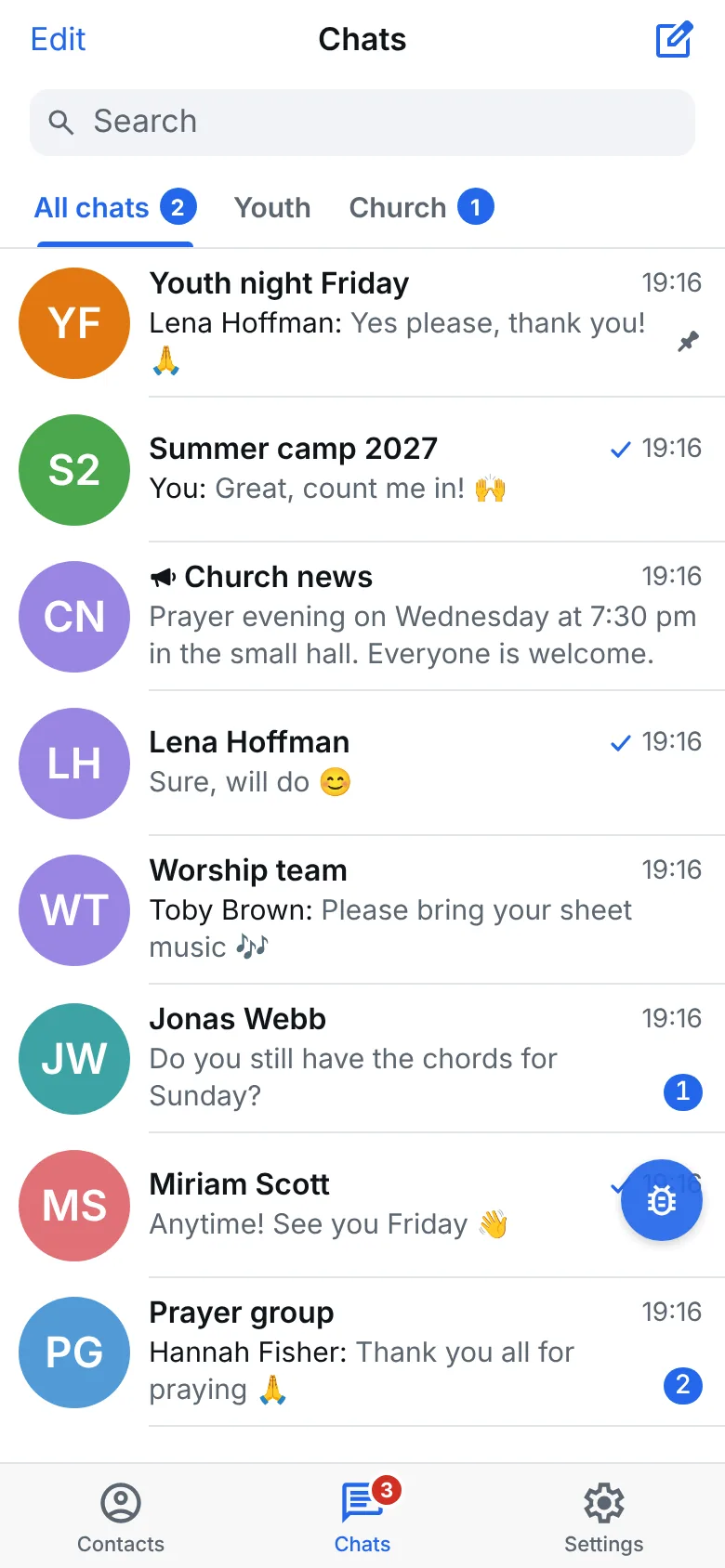
Every screen has the small Give feedback bubble. Tap it and just start talking, or type. An assistant asks until everything is clear and sends us a summary: a bug, an idea or a question, everything is welcome.
The assistant learns your first name, which screen is open and your last steps in the app, never your chats. If you don't see the bubble, turn it on again under Settings → Feedback bubble.
Safe in Gather
Gather comes with safety rules for children and young people. For example, that adults and minors don't write to each other one to one, and that groups with adults and young people always have at least two adults with an enhanced criminal record certificate. The church decides which of them apply.
Reporting: Press and hold a message and choose Report. You report a person, group or channel in their info (tap the name at the top). The church's moderators look at it within 24 hours. Whoever was reported doesn't learn who reported them.
Blocking: In the info of a direct chat, or on a member of a group. They then can't write to you one to one, find you or add you anywhere. Settings → Blocked people undoes it.
If something worries you, you can also tell someone at your church you trust, or write to hallo@gather.paiss.me. If someone is in danger, call emergency services right away (112).
Deleting your account
In the app under Settings → Delete account, or without the app on the Delete your account page.
Contact
In the app, Settings → Ask a question reaches the church's helpers. For anything else, problems and notices: hallo@gather.paiss.me