
A messenger just for our church.
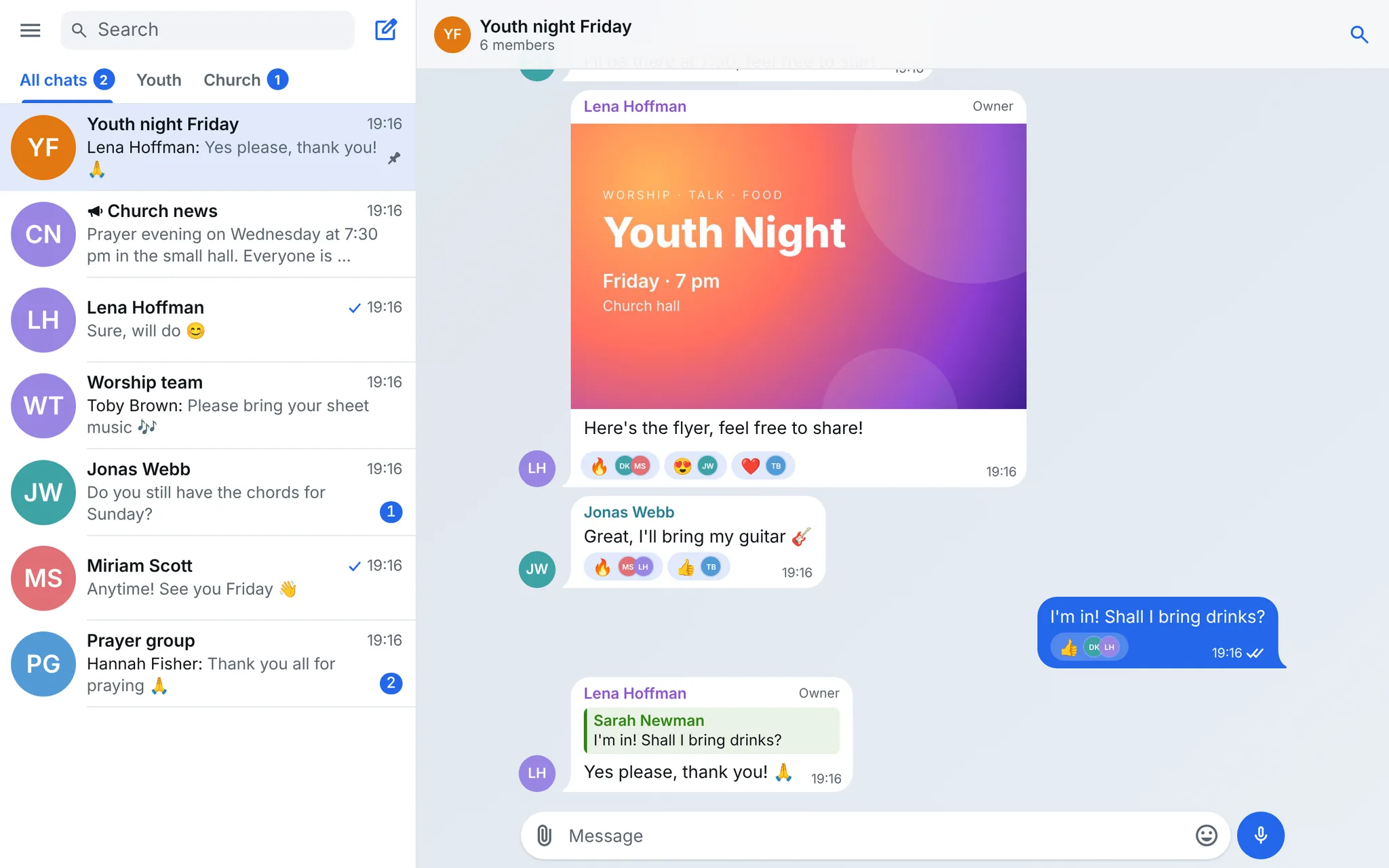
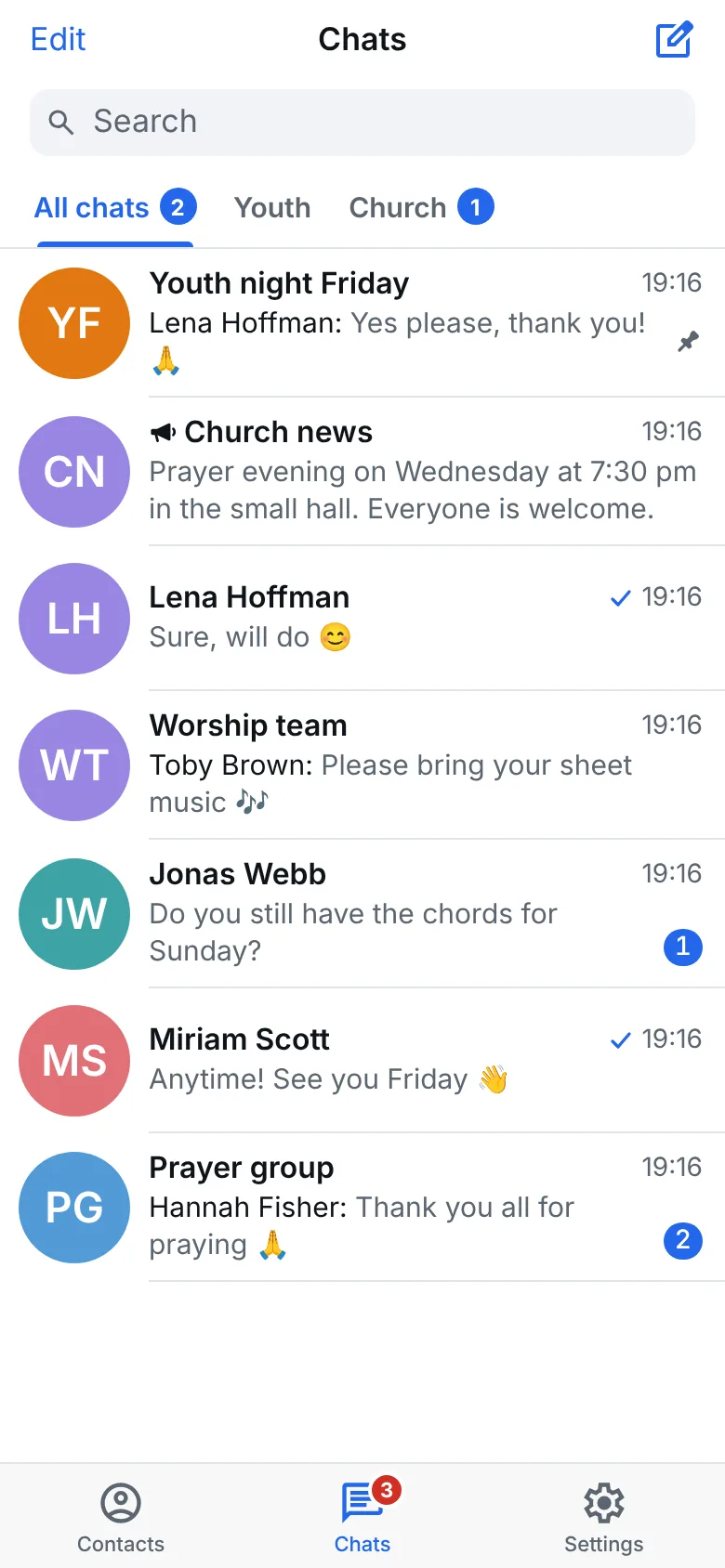
Gather works like Telegram: chats, groups, channels and calls. But only people from our church are here, and the data stays on servers in Frankfurt.
In open testing now, on Android, Windows, Mac and in the browser.
Why we are building Gather
Telegram has held our church together for years, across countries and languages. But Telegram is an open network. Strangers can message our young people, and search shows accounts with indecent pictures. There is nothing we can change about that there.
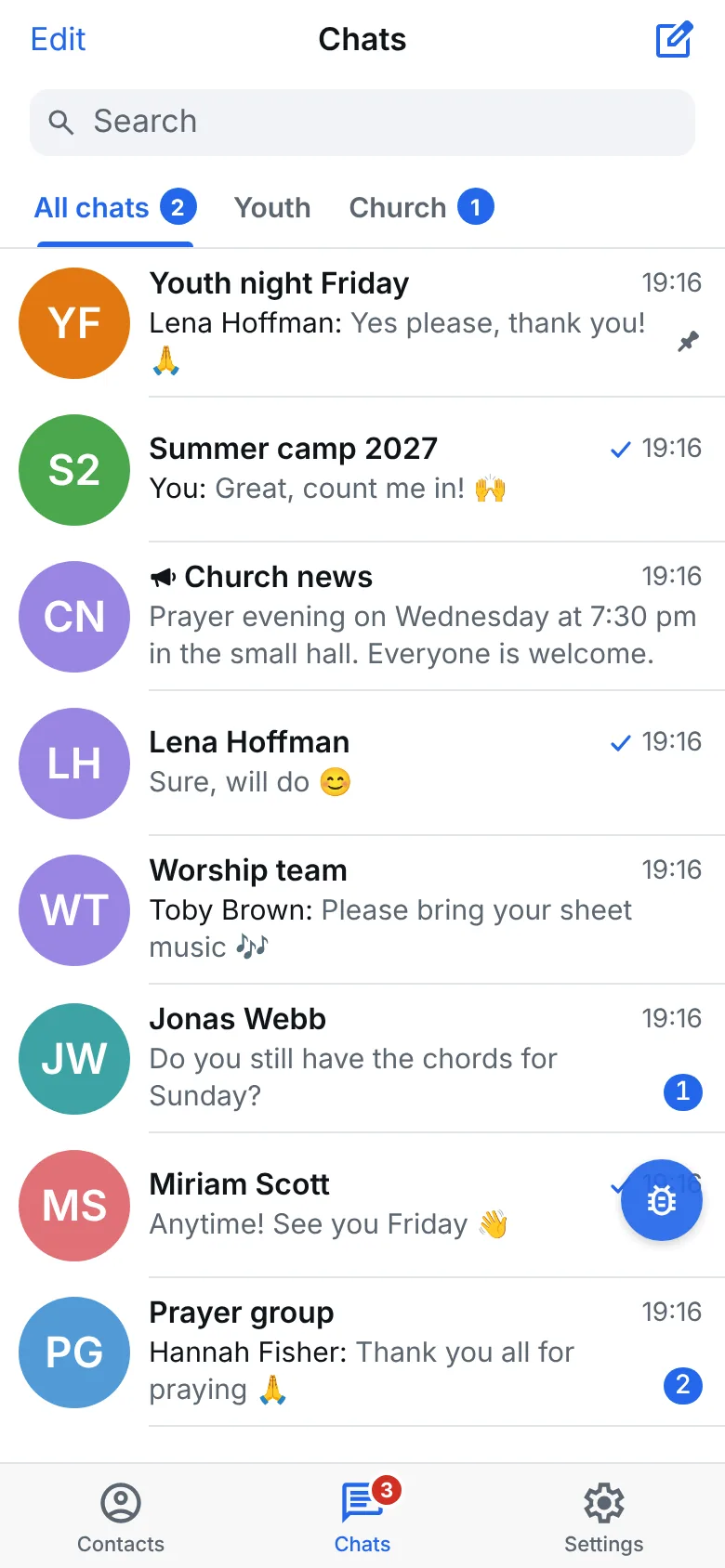
Gather looks familiar and does what we are used to from Telegram. The difference: only people from the church are here. The church sees every new account straight away and can remove it. Gather comes with safeguarding rules for children and young people. The church decides which of them apply.
More about Gather and the way thereEverything you know from Telegram
Gather looks like Telegram and works the same way. There is nothing new to learn.
- One to one chats and groups with hundreds
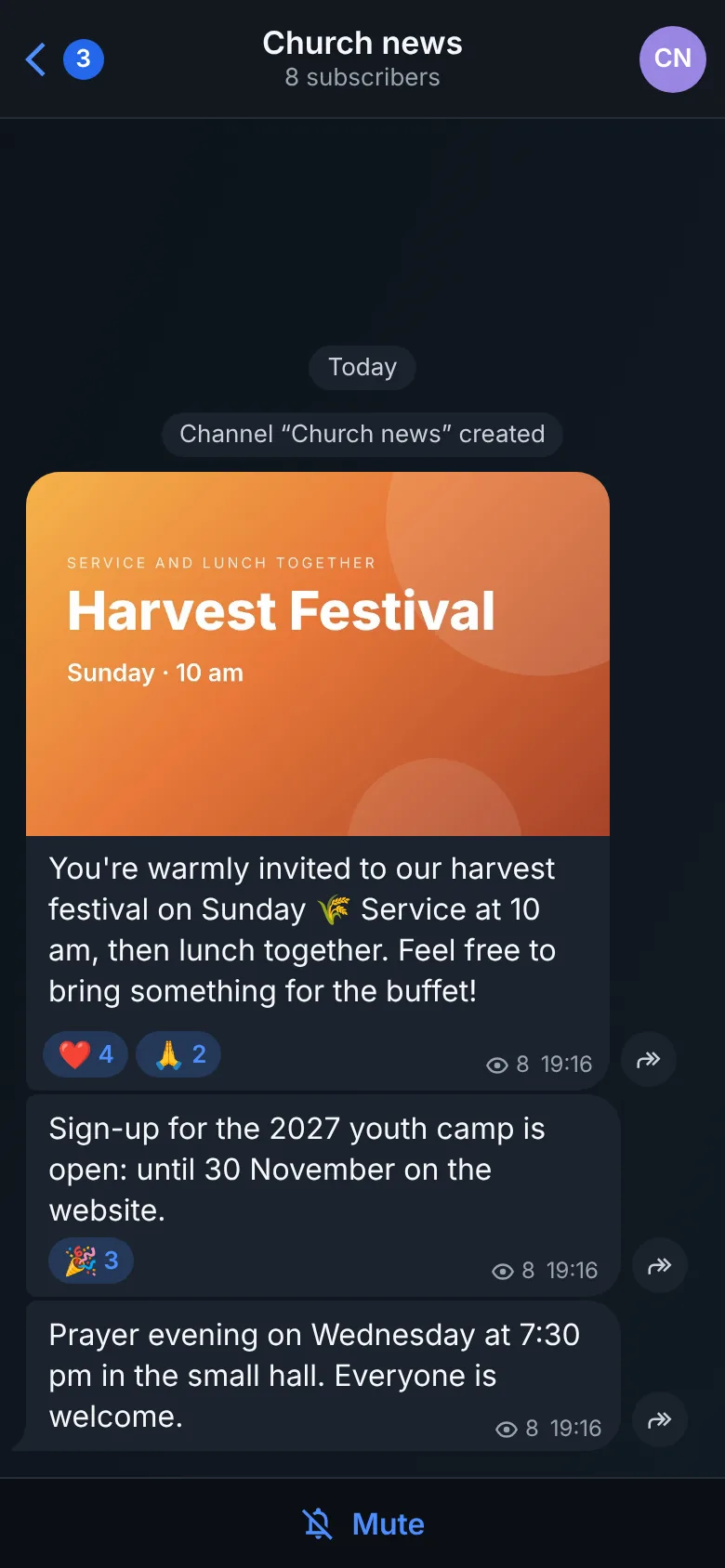
- Channels for the church's news
- Calls with sound, video and a shared screen
- Photos, videos, voice messages and polls
- Folders, search and saved messages
- On your phone and your computer, read on both
Only in Gather
Telegram is made for the whole world. Gather is made for our church. So it does things Telegram never will.
Modules for every church
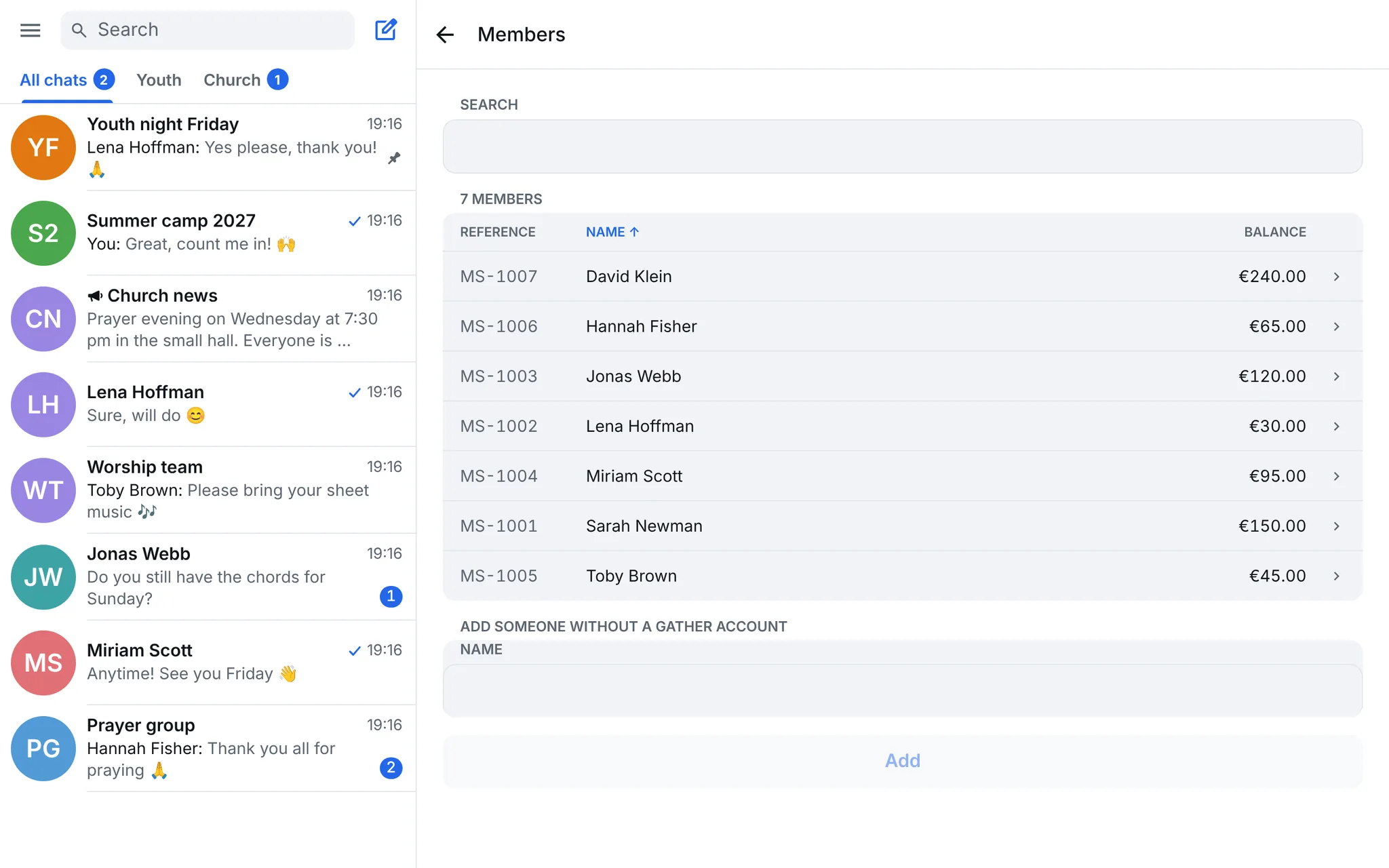
Each local church switches on the modules it needs. Where they are off, nobody sees them.
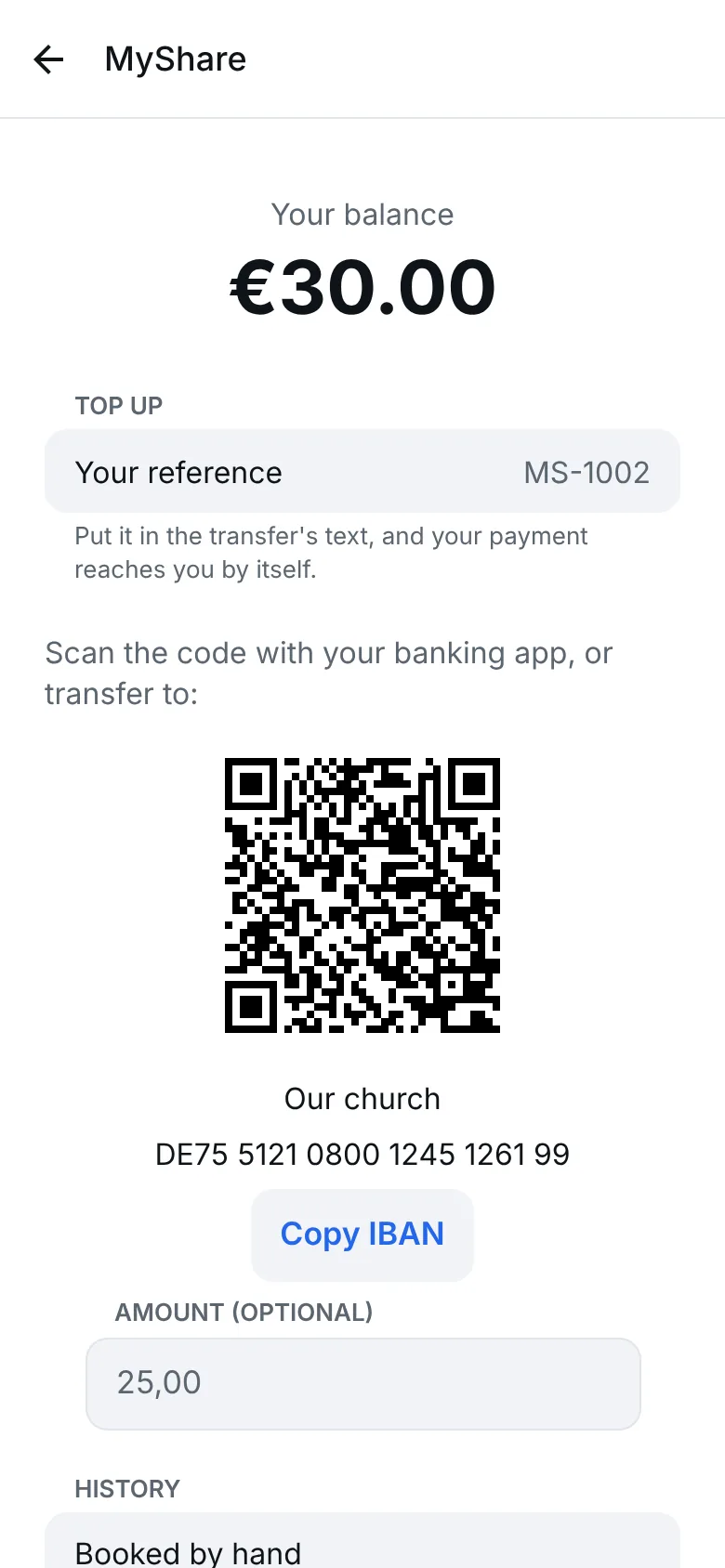
The first is MyShare. The treasurer reads in the bank statement, and every payment finds the right member by itself. Camps are charged, and everyone sees their balance and savings plan in the app. Calendar and sign-ups come next.
Every language becomes yours
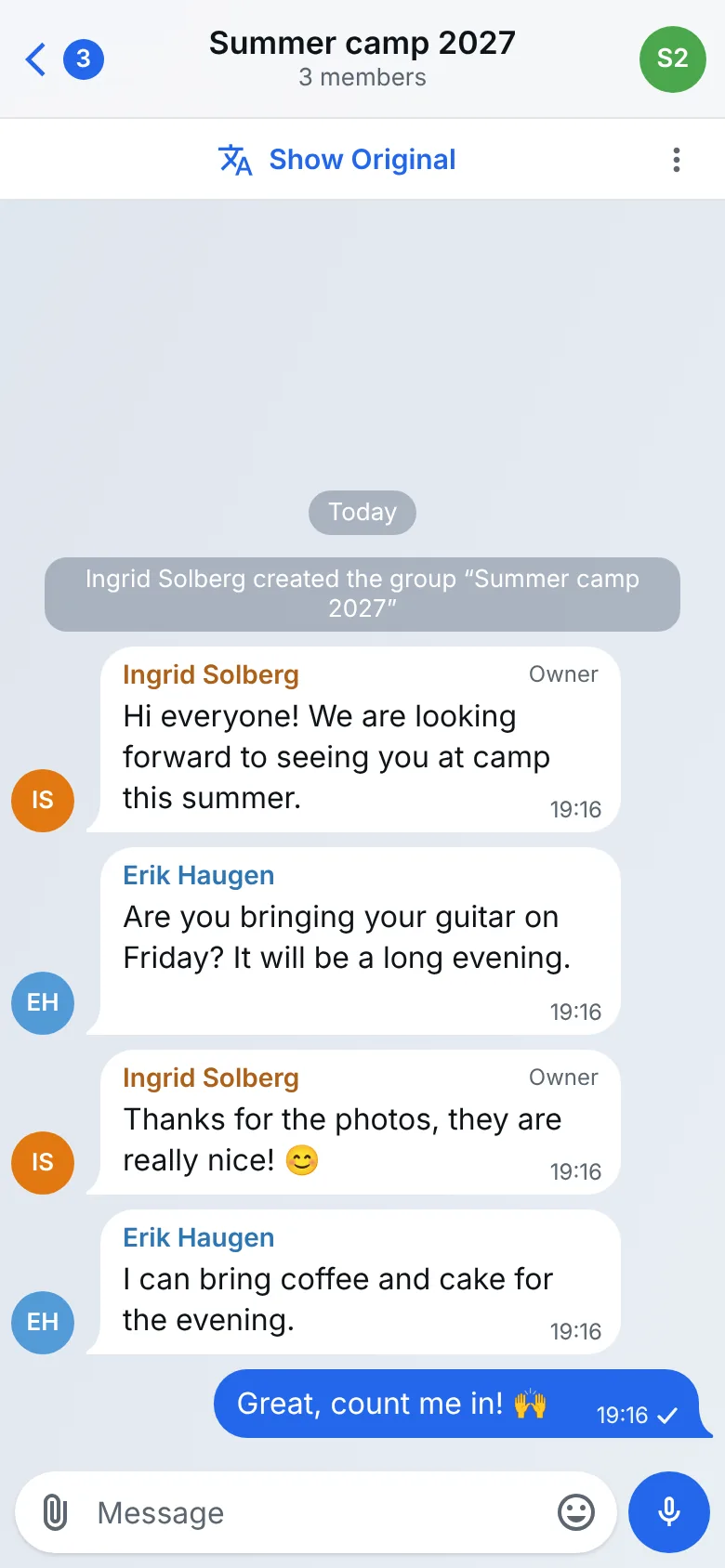
Our church lives in many countries. When someone writes in Norwegian, Dutch or German, Gather shows the whole chat in English with one tap. The original is one tap away.
Just say what is missing
A small bubble sits on every screen. Tap it and start talking, or type. Gather asks until it is clear what you mean, and passes it on to us. That is how the app gets a little better every week.
- Only people from our church
- Search finds chats, people and messages, but no strangers. The church sees every new account straight away.
- Connected to Telegram
- Sign in with Telegram and your chats come along. Groups still on Telegram stay connected.
- No phone number
- Sign in with a code by email or with Telegram. Your number stays yours.
What is coming next
This is what we are building now. The pictures are drafts, not the finished screens.
Encrypted chats soon
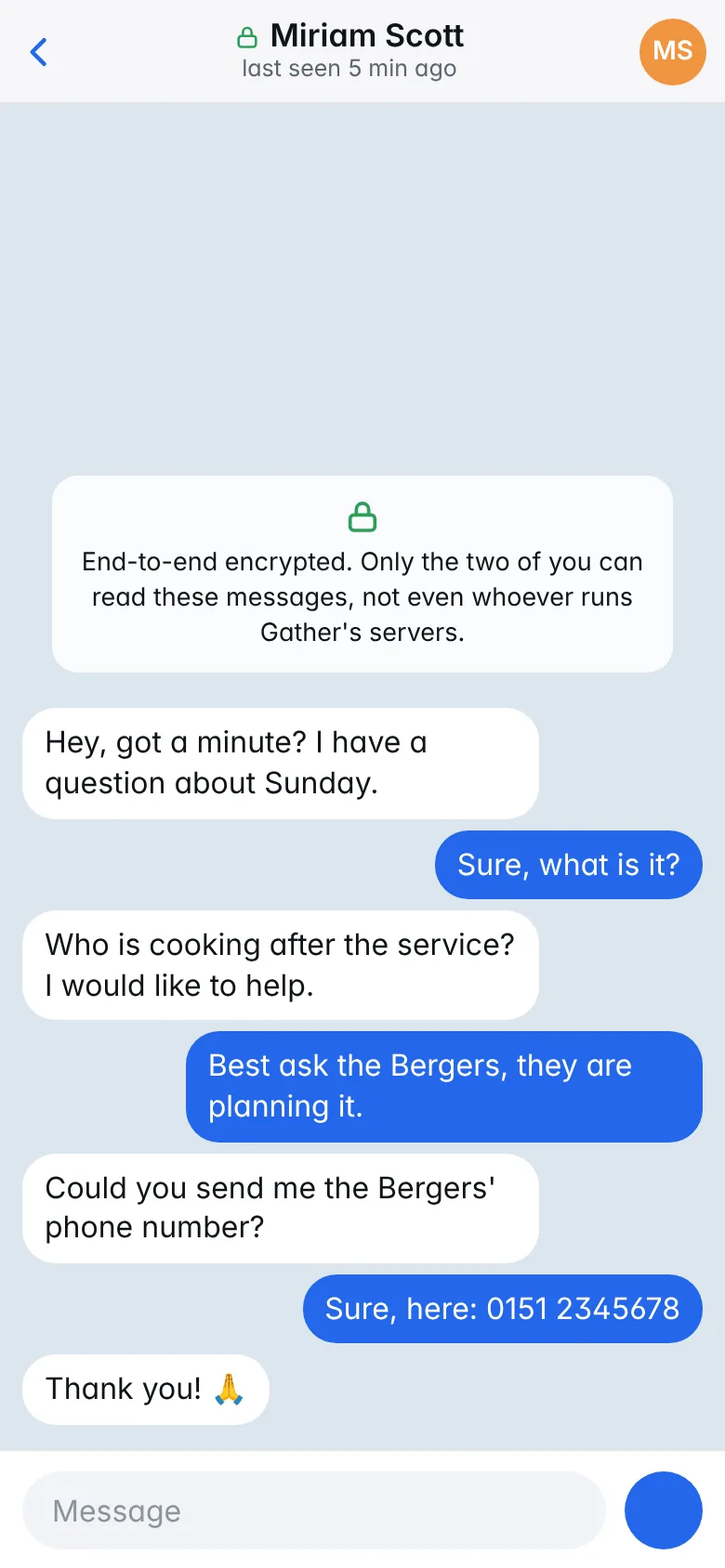
For chats between two people. When you both choose it, the chat no longer goes to Telegram, and only the two of you can read it. Not even whoever runs Gather's servers. Private groups follow.
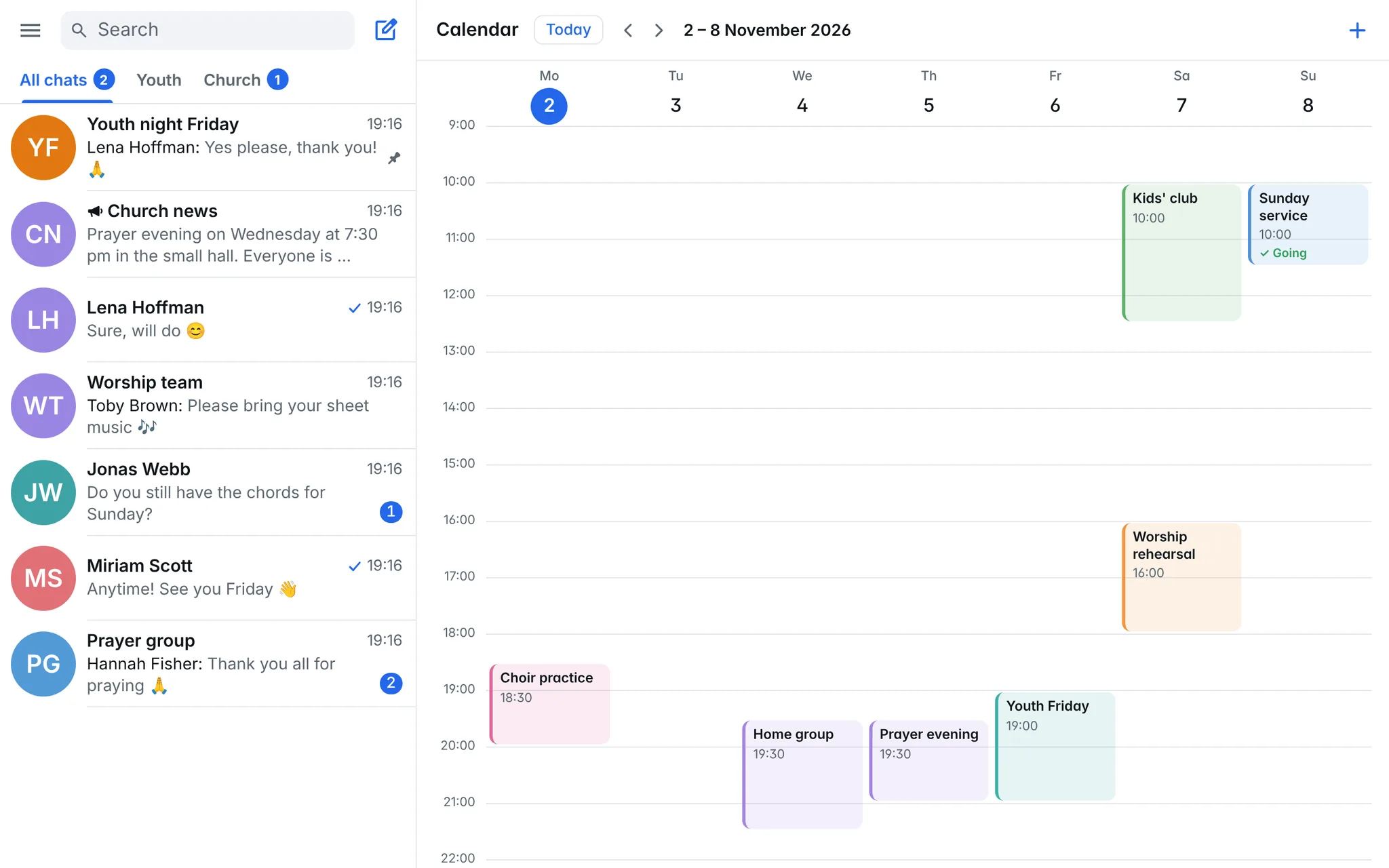
Calendar soon
The church's dates in one place, matched to your groups. With a reminder beforehand and a feed for your own calendar.
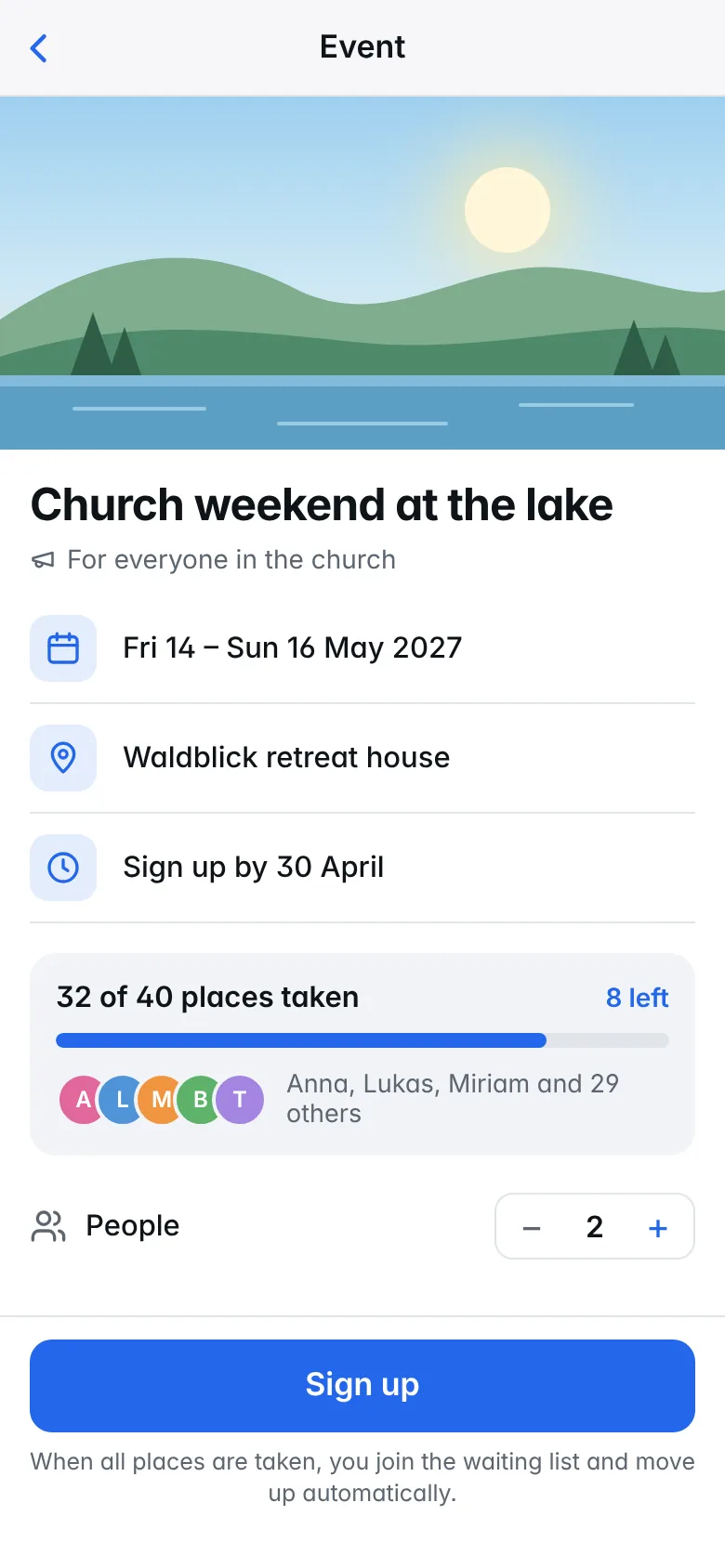
Sign-ups soon
Sign up for camps and events, with places left and a waiting list. Anything you pay shows up in MyShare.
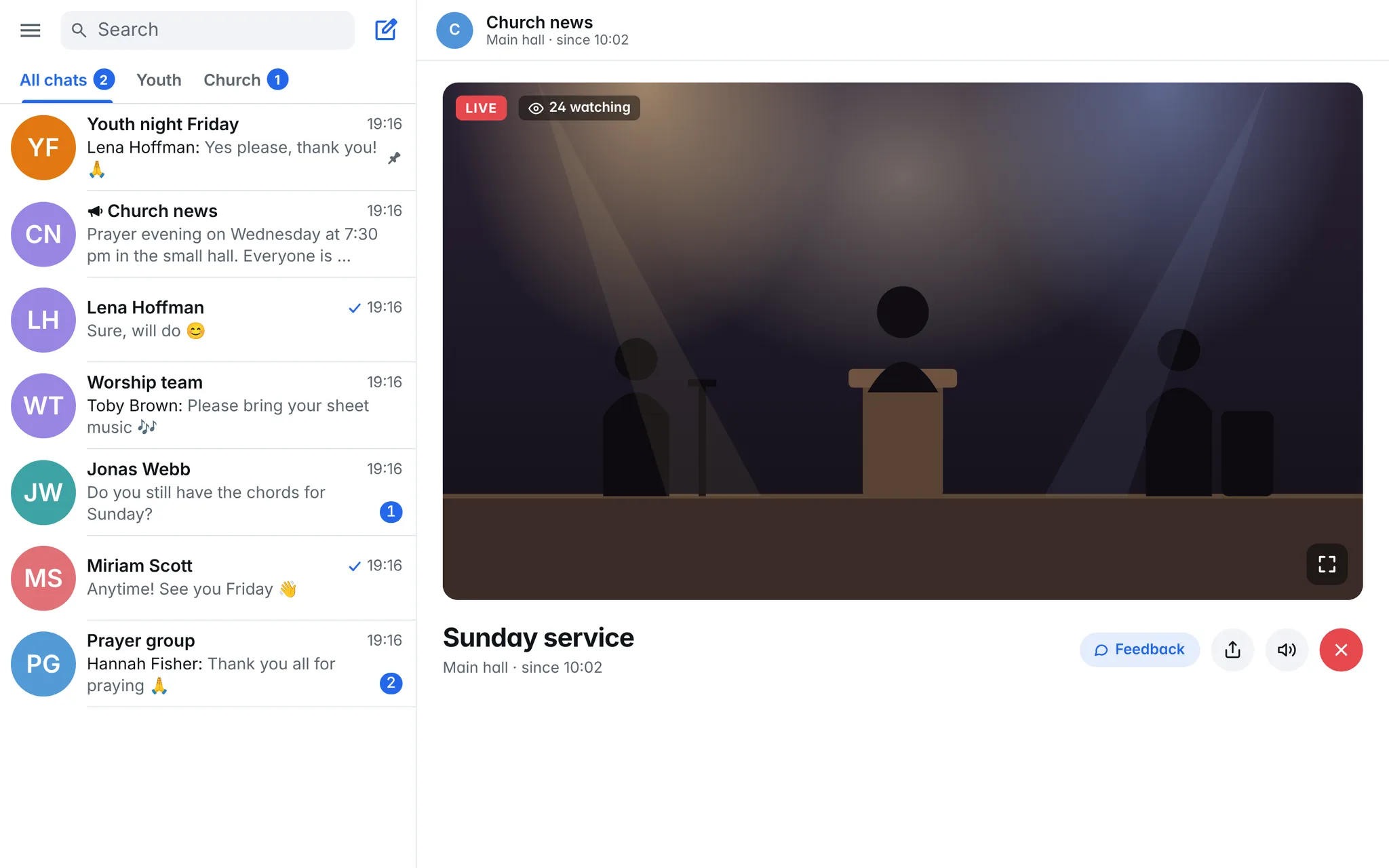
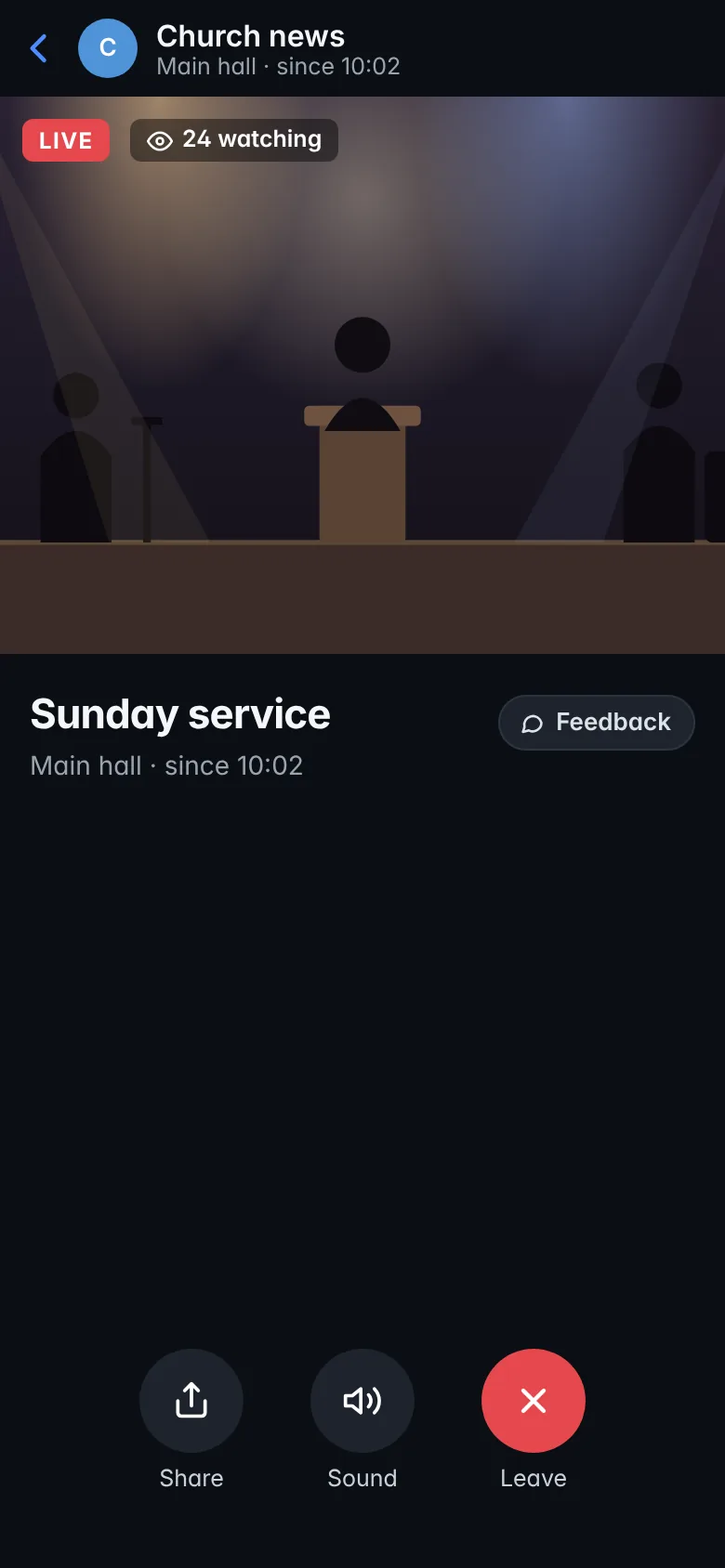
Livestream soon
Watch services and events live, on your computer and your phone. If the sound or picture stutters, the feedback button tells the right people straight away.
iPhone app soon In the App Store for iPhone and iPad. Until then, use Gather on your iPhone in the browser.
End-to-end encryption soon For chats between two people. When you both choose it, the chat no longer goes to Telegram, and only the two of you can read it, not even whoever runs Gather's servers. Private groups follow.
How to start
-
Open
Open Gather in your browser or download the app for Android, Windows or Mac.
-
Sign in
With your email address or with Telegram. You are in straight away.
-
Tell us what is missing
Every screen has the “Give feedback” bubble. Just type or talk. We read everything.
Safe and private
- No ads, no tracking
- Gather shows no ads, uses no analytics services and sells no data.
- Servers in Frankfurt
- Messages and files are stored encrypted on servers in Frankfurt am Main, Germany.
- Protection for children and young people
- For example, a rule that adults cannot chat alone with minors. The church decides which rules apply.
- Your account is yours
- You can delete it at any time, in the app or on the Delete your account page.
Questions?
The help page answers the most common questions about signing in, notifications and devices. For anything else, write to us at hallo@gather.paiss.me.